Did you know? One backup isn't really a backup.
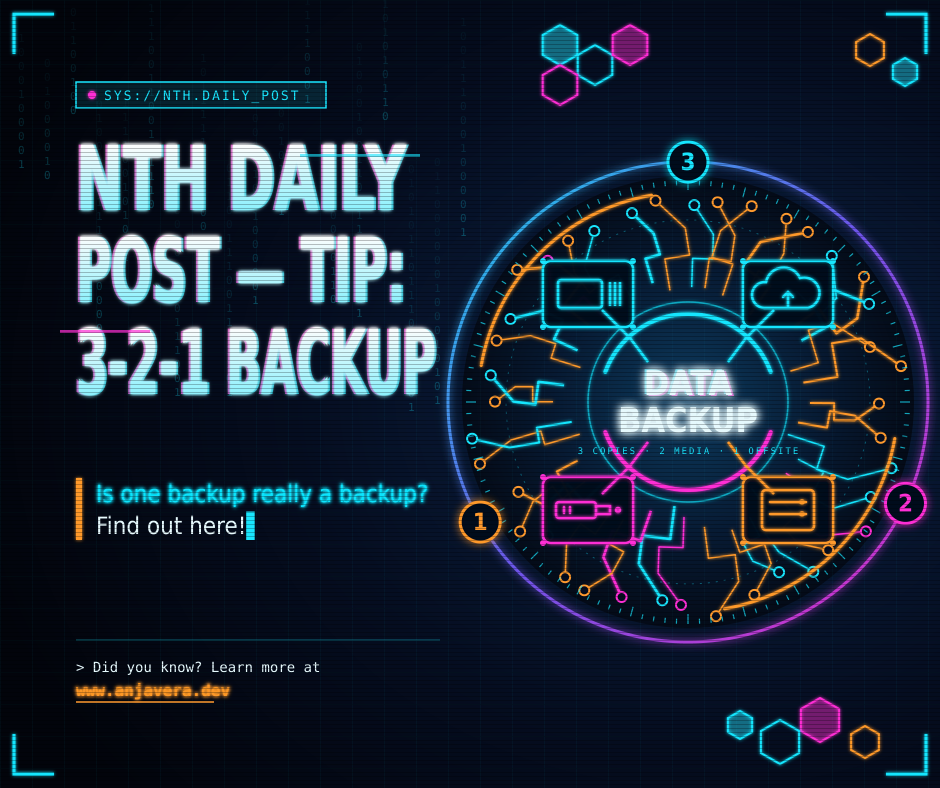
Did you know? One backup isn't really a backup.
If your family photos, important documents, or work files live in only one place — just on your computer, or just in the cloud — one hard drive failure, one accidental delete, or one ransomware attack could take them all.
Try the 3-2-1 rule instead:
3 copies of your important files — the original, plus two backups
2 different types of storage — for example, your computer + an external hard drive, or a hard drive + the cloud
1 copy off-site — away from home, like a cloud backup or a drive kept somewhere else
A simple home version: 1) the files on your computer, 2) a copy on an external drive, and 3) a copy in a cloud backup service.
Two habits that make it actually work: keep one copy offline or disconnected when you're not backing up, so malware can't reach every copy at once — and test a restore now and then. Pick a file, restore it to a different folder, and make sure it opens.
One bad day shouldn't wipe out years of photos and files.
If you'd like help setting up a simple backup that runs on its own, send me a message — happy to take a look.
— Anthony, Neighborhood Tech Help, Sacramento & Placer Counties. Call or text 530-908-5850.
Learn more at www.anjavera.dev